
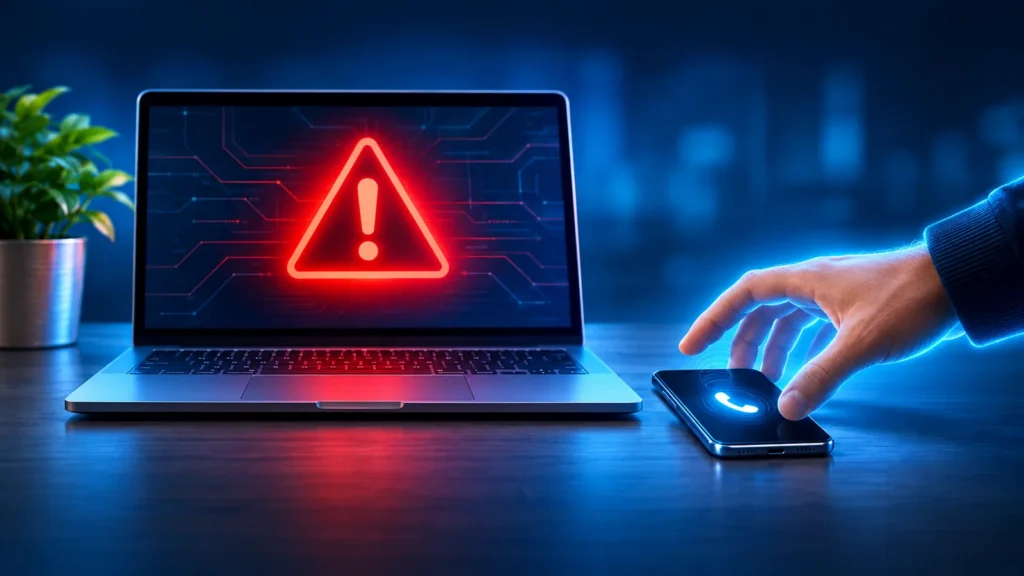
You’re browsing the web when suddenly your screen fills with a loud warning: your computer is infected, your files are at risk, call this number right away. It looks official and it feels urgent. It’s also almost always a scam. Here’s how to recognize these tricks and what to do if one shows up.
What these scams look like
- A pop-up or full-screen warning that looks like it’s from Microsoft, Apple or an antivirus company, with a phone number to call. Some play an alarm or a recorded voice.
- A phone call or text from someone saying they’re a technician and your computer has a problem.
- An email saying you’ve been charged for a renewal from a name like Geek Squad, McAfee or Norton, with a number to call if you want to cancel.
- Fake support numbers that show up in search results or ads when you look for help.
The goal is always the same: get you on the phone, convince you something is wrong, and get you to let them into your computer or pay them.
The rule that catches most of them
Real companies don’t work this way.
- A real security warning will never ask you to call a phone number.
- Microsoft, Apple and other tech companies don’t call, text or email you out of the blue about a problem with your computer.
- No real company or government agency will ask you to pay with gift cards, wire transfers, cryptocurrency or payment apps.
If a warning includes a phone number and a sense of urgency, treat it as a scam.
If a warning pops up
- Don’t call the number, and don’t click anything inside the warning.
- Close the browser. If the warning won’t let you, press Ctrl, Alt and Delete together, open Task Manager and end the browser from there.
- If that doesn’t work, hold the power button to turn the computer off, then turn it back on.
- Give us a call if the warning comes back or you’re not sure whether something is wrong.
Closing these pages is usually all it takes. Most of these pop-ups are just web pages designed to look scary. Your computer isn’t actually infected.
If you already called, let someone in or paid
It happens to careful people every day, and acting quickly makes a big difference.
- Disconnect the computer from the internet by unplugging the network cable or turning off Wi-Fi.
- Call your bank or credit card company if you paid anything or shared account information, and ask them to stop or reverse the charge.
- Change your passwords from a different device, starting with your email and bank.
- Have the computer checked. Scammers often install software that lets them come back later.
You can also report what happened to the FTC at ReportFraud.ftc.gov.
Watch out for the “government” handoff
A newer version of this scam goes further. After the fake technician says your accounts have been hacked, they transfer you to someone claiming to be from the government or your bank, who tells you to move your money somewhere “safe.” No real government agency or bank will ever ask you to move, withdraw or hide your money to protect it. Hang up and call your bank using the number on the back of your card.
Why it matters
These scams work because they’re designed to cause panic. The FBI reports that tech and customer support scams cost Americans $2.1 billion in 2025, and older adults are targeted more than anyone. A quick conversation with family members about these warning signs can save a lot of money and stress.
We can help
If something on your screen doesn’t look right, or you think you may have talked to a scammer, call us at (856) 566-1300 before you do anything else. We’ll check your computer safely, clean up anything that was installed and help you secure your accounts. You can also send us a message.