
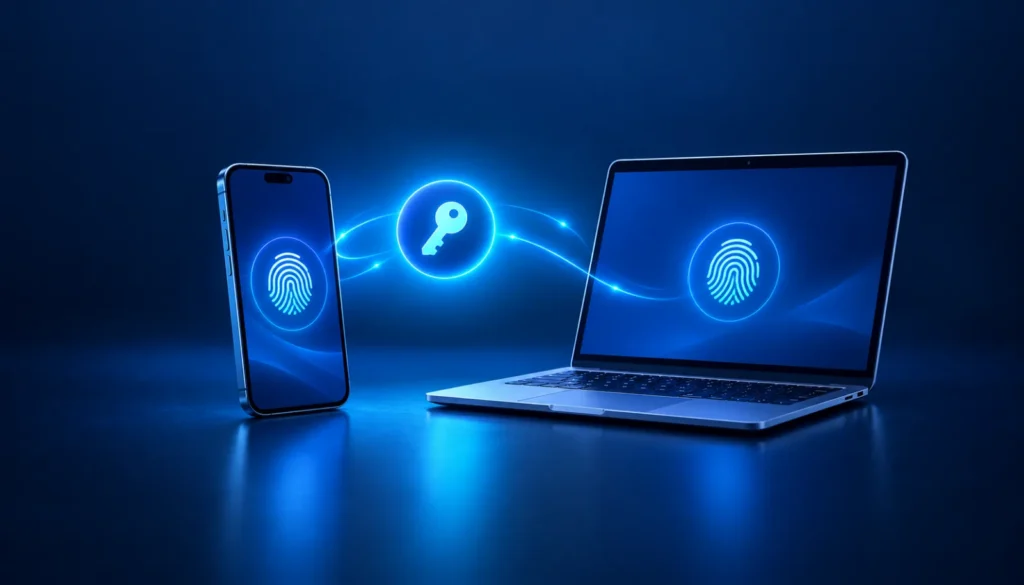
If you’ve ever signed in to a Microsoft account and waited for a six-digit code to arrive by text message, that step is going away. Microsoft is phasing out text message codes and replacing them with passkeys, a faster and safer way to sign in. Here’s what’s changing, who it affects, and what to do.
Why Microsoft is making the change
Text message codes were a big improvement over passwords alone, but scammers have found ways around them. Some trick people into reading a code over the phone or typing it into a fake sign-in page. Others take over a phone number entirely by convincing a mobile carrier to move it to a new SIM card, which is known as a SIM swap. Microsoft now says text message codes have become a leading source of fraud.
What is a passkey?
A passkey replaces passwords and codes with the same thing you already use to unlock your phone or computer: your fingerprint, your face or your PIN.
- There’s nothing to type or remember.
- It can’t be read over the phone or typed into a fake website. A passkey only works on the real site it was created for.
- It can be saved on your phone, your computer or a password manager, so it’s there when you need it.
When you sign in, your device confirms it’s you, then quietly confirms with Microsoft. Your fingerprint or face never leaves your device.
Personal Microsoft accounts
This includes Outlook.com and Hotmail email, Xbox, and the Microsoft account you use to sign in to Windows. Microsoft is phasing out text message codes for both signing in and recovering these accounts. It hasn’t announced a final end date, but the change has already started.
The next time you sign in, you may see an option to sign in faster by creating a passkey. Microsoft will also walk you through adding a verified email address you can use to get back into your account.
- When you’re prompted, select Next and follow the steps to create a passkey.
- Add a backup email address that you check regularly, so you can still get in if you lose or replace your phone.
- Before you trade in or reset a phone, make sure you can sign in another way.
Work and school accounts
For businesses that use Microsoft 365, Microsoft has set firm dates:
- Since September 1, 2026, people who use text or phone call codes are being asked to set up a passkey when they sign in.
- On February 1, 2027, Microsoft stops sending text and phone call codes for work accounts. Anyone whose only option is a text or call will have to set up a passkey before they can sign in.
- On July 1, 2027, the same change applies to administrator accounts and outside guest users.
Passkeys are included with Microsoft 365 at no extra cost. Businesses with a regulatory reason to keep text codes can arrange it through a paid outside provider, but for most businesses, passkeys are the better choice.
Most phones and computers from the last few years support passkeys. Older devices can use a small USB security key instead.
- Find out who in your business still relies on text or phone call codes.
- Move those people to passkeys before February 1, 2027.
- Give your staff a heads-up so the new sign-in prompt doesn’t catch anyone off guard.
We can help
If we manage your Microsoft 365, we’ll take care of this change with you, check who still uses text codes, and make sure everyone can sign in before the deadline. If you’re not sure where your accounts stand, call us at (856) 566-1300 or send us a message and we’ll walk you through it.